
GitLab container registry
Overview
This document describes how to integrate the ARMO Platform with GitLab Container Registry so that container images can be automatically imported, scanned for vulnerabilities, and continuously monitored. The goal is to streamline the ingestion of container images from GitLab Container Registry into ARMO’s workflow, enabling ongoing risk assessment as part of your Kubernetes pipeline.
Prerequisites
Before you start, ensure the following:
- You must have Administrator or Manager access in ARMO in order to create registry integrations.
- You must have access to the GitLab instance with permissions to access the Container Registry and generate an Access Token
- This feature is only available with Helm version 1.29.12 and above.
Step-by-Step Guide
Step 1: Navigate to the Integrations Page
- Log in to the ARMO platform.
- Go to Settings > Integrations.
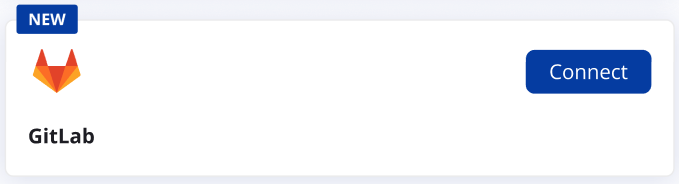
- Under Container Registries, click Connect for Gitlab.
Step 2: Add a New Registry
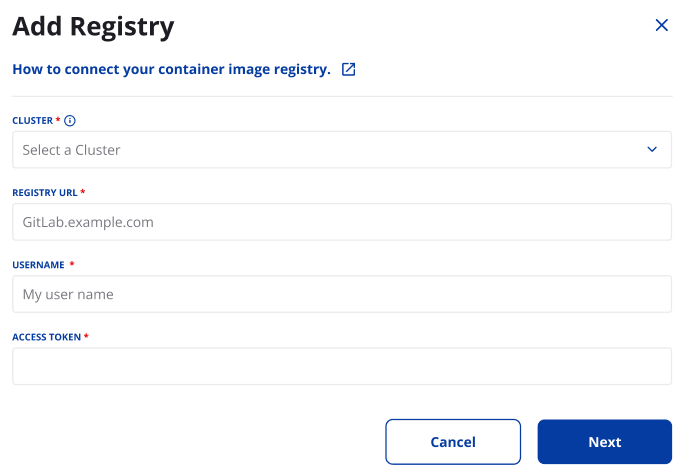
- Click Add Registry and Enter the following details:
- Cluster: Select the cluster to scan your images
- Registry URL: the full URL of your GitLab Container Registry (e.g., `registry.gitlab.com').
- Username: your GitLab username (or service account) that has appropriate registry access.
- Access Token: create and paste a PAT in GitLab with scope to read the Container Registry API and list image tags/repositories.
Step 3: Schedule Scans
-
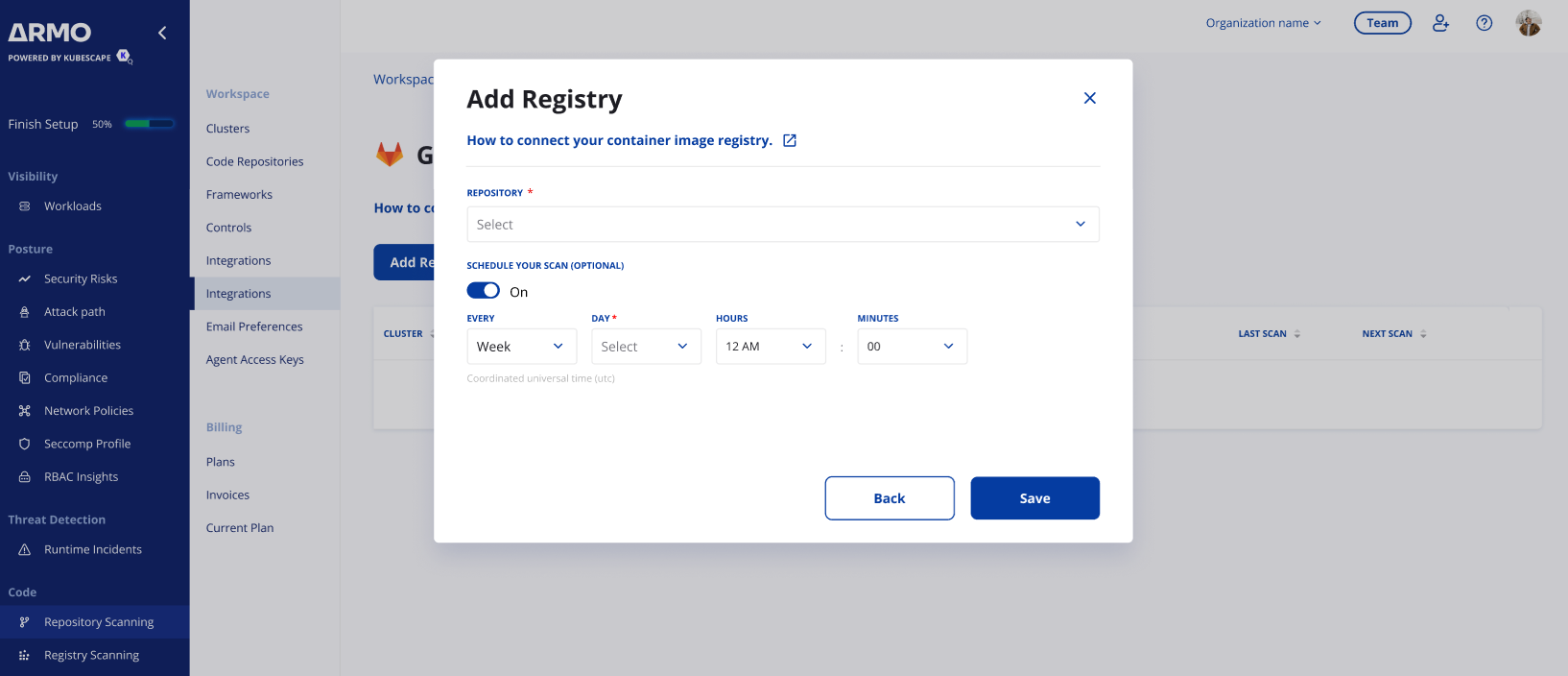
Select the repository to scan.
-
Configure periodic scans:
- Frequency: Set to daily or weekly.
- Time: Define the time in UTC.
-
Click Save to finalize the schedule.
Step 4: Finalize the Connection
- Review the details of your configuration.
- Click Save to activate the integration.
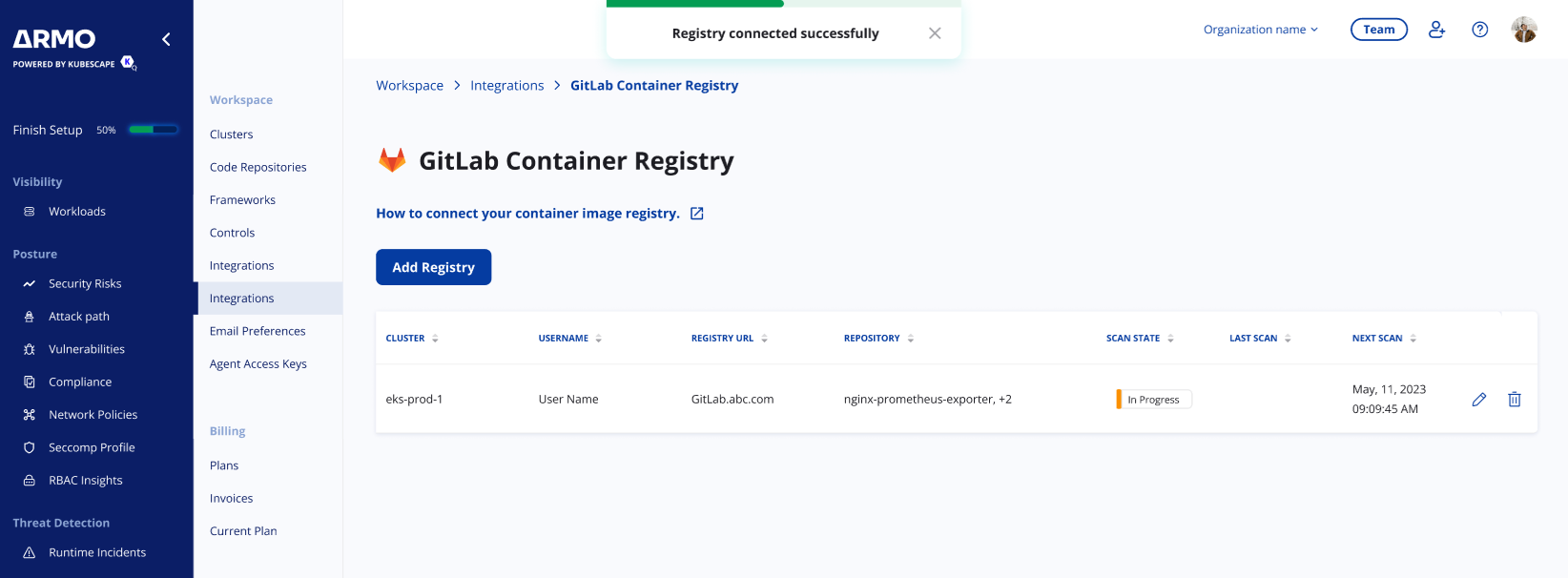
Your Gitlab Container Registry is now successfully connected to the ARMO platform.
Conclusion
By integrating your Gitlab Container Registry with the ARMO platform, you gain continuous visibility into the security of your container images. This integration enables automated scanning, timely detection of vulnerabilities, and actionable insights to maintain compliance.
Updated 10 months ago